

Central Kitchen Software: Track Recipe Costs, Branch Orders, and Food Waste
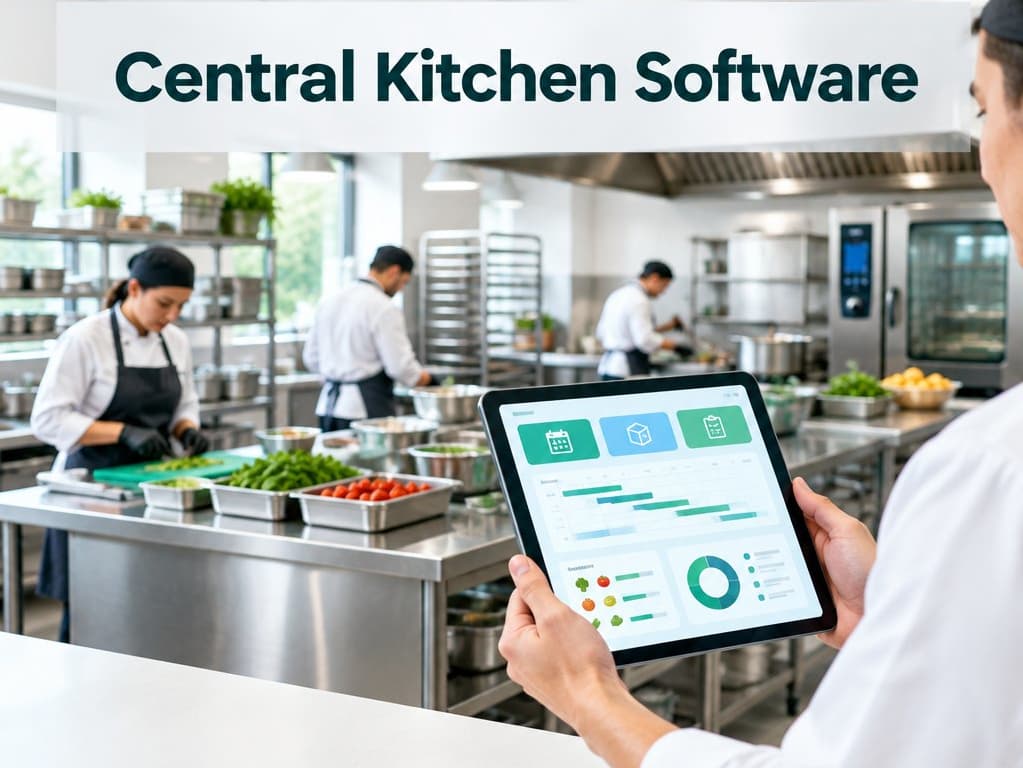
Connect recipe costs, batch production, branch orders, shelf life, and waste with software sized to your central kitchen’s actual workflow.
Central Kitchen Software: Track Recipe Costs, Branch Orders, and Food Waste
Your central kitchen prepares food in one location and sends it to several branches, but every branch orders differently and ingredients expire. A central kitchen software setup may track purchases and invoices while leaving recipes, batch costs, shelf life, and waste in separate sheets. Central kitchens need these records connected because the cost and availability of a dish change with supplier prices, production yield, and what each branch actually sells.
A tailored process can make those decisions easier, but first map how ingredients become batches, how batches reach branches, and where food is lost or substituted.
Tip
TL;DR: Track recipe costs, batches, branch orders, and waste. Simple menus may need no new system.
Central kitchen software: ingredients, batch production, branch orders, delivery
A useful operating view begins with ingredient receipts and their dates, quantities, and supplier costs. A recipe describes the expected ingredients and quantities for a dish or production batch. The kitchen schedules production, records what was actually made, then allocates the output to branch orders and delivery runs. At each handoff, staff need to know the item, amount, destination, and any substitution.
This is different from buying a finished product and reselling it. A recipe is a plan, not a guarantee that every batch uses exactly the same amount. Trimming, cooking loss, portion size, rejected ingredients, and supplier substitutions affect usable yield. Record enough to learn from these differences without asking kitchen staff to perform an accounting exercise during a rush.
Branch ordering also needs a cutoff and a way to update demand. If the kitchen accepts orders too late, it may miss production capacity; if it produces from stale estimates, food may remain unsold. A clear order deadline, adjustment policy, and delivery confirmation help both the kitchen and branch managers plan.
Why the cost per dish changes with supplier prices
A menu price is often based on an ingredient estimate from a past month. When the price of meat, oil, or packaging changes, the old recipe cost may no longer represent what the business pays. If the company buys from several suppliers or uses different pack sizes, staff may also compare prices incorrectly unless quantities are converted consistently.
For a practical cost view, connect the recipe quantity to the current purchase cost and compare it with actual production use. Include packaging and other direct costs that materially affect the dish. Do not confuse ingredient cost with the full cost of running the business: labor, rent, delivery, and overhead may need a separate allocation method. The purpose of the view is to identify meaningful change, not pretend a single number captures every business cost.
When the cost changes, the owner can decide whether to revise a price, adjust a portion, change a supplier, or keep the margin lower for a strategic item. Without a dated cost history, that decision becomes an argument based on memory.
Shelf life and waste tracking that can prevent avoidable loss
Food stock needs more than an on-hand quantity. The team may need receipt date, use-by date, storage location, batch, and the branch or production run where an item was used. A first-expiring-first-out picking routine can help staff use nearer-dated ingredients before newer stock, while an alert can call attention to items approaching an internal threshold. The system cannot decide whether food is safe to use; staff must follow product handling rules and applicable food-safety requirements.
Record waste by a small set of useful reasons: expired, preparation loss, overproduction, quality rejection, or returned product. A short note can explain an unusual event, such as an equipment failure or a large unplanned cancellation. Review quantities and cost by category each week. If overproduction repeatedly happens on a certain weekday, branch ordering or the production forecast may need adjustment.
A waste record should not become a blame tool for kitchen workers. If staff fear punishment for recording waste, the dashboard will show an unrealistically perfect kitchen. Make the purpose clear: accurate records help managers fix buying, forecasting, recipe, and delivery problems.
Branch ordering that matches real demand
Branches should be able to request amounts from a clear menu with cutoff times and any minimum quantities. A manager may adjust an order before production starts, but the change should have a timestamp and owner so the kitchen sees the current requirement. For fast-moving dishes, compare orders with actual sales and leftovers where reliable sales data is available. Use that history as a guide, not a command: holidays, local events, promotions, and weather can shift demand.
A central kitchen should also know when it cannot fulfill an order. If ingredients are short or capacity is full, alert the branch early and offer an approved alternative. Quietly reducing the delivered quantity creates stock and customer problems downstream. Record what was ordered, prepared, dispatched, and received so a missing tray can be traced without a long message search.
Example: one production kitchen serving four branches
Suppose four café branches order a chicken wrap from a central kitchen. The kitchen's weekly sheet contains an expected quantity per branch, but managers change requests in separate chats. One branch orders extra after the preparation list is printed, while another has a local promotion and returns unsold food. At the end of the week, purchasing records show ingredients bought, but nobody can connect them to the production batch or waste.
A coordinated flow records the branch order by cutoff, compares the combined demand with capacity, and issues a production plan. Each batch has a date, recipe version, expected yield, and destination. The dispatch record shows what left the kitchen, and the branch confirms what arrived. Returned or discarded items get a reason and amount. Managers can then compare planned demand with actual orders and waste before changing the next schedule.
Signs your current system is costing you money
You may have a gap if staff repeatedly copy branch orders from chat into a spreadsheet, recipe costs are updated only after a noticeable price increase, or managers cannot tell which batch used a supplier lot. Other warning signs include frequent last-minute substitutions, stock that expires while another branch is short, unexplained differences between planned and actual yield, and waste records that do not identify a reason.
Do not assume that each symptom requires new software. First check whether a consistent cutoff, recipe sheet, or stock rotation process would fix it. Software helps when several teams need the same live information and the handoffs are too frequent or too risky to coordinate manually.
A quick comparison
| Option | Fit | Trade-off |
|---|---|---|
| Current tools | Simple menu | Manual handoffs |
| Food software | Repeat batches | Review expiry tracking |
| Tailored workflow | Many branches | Higher upkeep |
What to check before choosing food production ERP
- Can the system connect ingredient lots and dates to production batches?
- Can recipe versions and actual yields be compared over time?
- Does it support branch orders, cutoff times, fulfillment, and substitutions?
- Can staff record waste reasons without slowing production?
- Can managers distinguish ingredient cost from total operating cost?
- Does the demonstration include a supplier price change and a late branch order?
- Can you export your recipes, order history, and stock records if you leave?
When standard ERP is still a good fit
If you produce a small menu, have one location, and can manage recipes and deliveries reliably in existing accounting or inventory tools, a broad ERP may be enough. A custom system is harder to justify when people have not agreed on recipes, stock units, or order cutoffs. Standardize the operation first; otherwise software will encode conflicting habits and make them harder to change.
Wrapping Up
Food production requires a connected view of ingredients, batches, branches, shelf life, and waste. Standard ERP can work when your process is simple, but a workflow designed around production can reveal cost changes and demand gaps that ordinary stock records miss. Start by tracking one product group from supplier receipt to branch outcome.
Book a free 30-minute call to map your kitchen and branch workflow.
Related Posts
Related Articles

AI Document Data Entry for Invoices, Contracts, and Delivery Notes
AI can extract invoice, contract, and delivery-note details, with a human review queue for unclear fields and sensitive records.

AI Assistants That Actually Do Tasks: Creating Quotes, Updating Records, and Sending Follow-Ups
AI can draft quotes, update customer records, and prepare follow-ups. Learn where human approval, activity records, and clear limits keep those actions safe.

Ask Your Business Data in Plain English: Overdue Invoices, Late Orders, and Top Customers
Ask plain-English questions about overdue invoices, late orders, and top customers, with traceable answers and role-based access.