

Dental Clinic CRM Software for Multi-Branch Practices
How a dental clinic CRM stops double-bookings, unifies patient messaging, and tracks which ads actually fill the chair.
Dental Clinic CRM Software: Stop Losing Patients and Ad Spend Across Branches
If you run more than one dental branch, you already know the real problem isn't finding patients—it's keeping track of them. A dental clinic CRM software is what closes that gap: one system where every branch, every doctor, and every lead lives in the same place instead of scattered across paper charts, spreadsheets, and staff phones.
Most multi-branch practices start with a mix of tools that were never meant to talk to each other. The front desk books by phone. Treatment history sits in one app. Marketing leads land in a Facebook inbox nobody checks until Monday. None of it is connected, so nobody can see the full patient journey—and that's where bookings get missed and ad budget gets wasted.
By the end of this post, you'll know exactly what a dental clinic CRM should do across scheduling, patient communication, and marketing—and how it compares to running on spreadsheets or a generic CRM.
Tip
* A dental clinic CRM built for multiple branches gives you conflict-free booking, one inbox for all patient messages, and marketing attribution that shows which ad actually filled the chair. It works whether you're starting from spreadsheets or migrating off an existing CRM, with zero downtime.
1. The Multi-Branch Scheduling Problem
Double-booking is the most expensive mistake a clinic makes, and it usually isn't the front desk's fault—it's the tool's. Spreadsheets and paper diaries have no idea what room, doctor, or branch is already taken at 3:00 PM on a Tuesday.
A proper dental practice management software solves this with one quick-book screen: patient lookup, doctor, branch, and room all in one view, with conflicts blocked before the appointment is confirmed—not discovered when the patient is already in the chair.
Key Features
- Patient lookup by name, phone, or ID in seconds
- Doctor, branch, and room availability checked live
- Treatment plans tracked per tooth, per session, with linked payments and patient wallet balance
2. One Inbox Instead of Three Apps
Patients message clinics on WhatsApp, Facebook, and Instagram—often all three for the same appointment. When those conversations live on different staff phones, messages get missed, and missed messages mean missed bookings.
A unified patient inbox pulls WhatsApp, Messenger, and Instagram into one real-time thread per patient, so any staff member can pick up the conversation with full context.
For clinics serving Arabic-speaking patients, this only works if the system is genuinely bilingual—English and Arabic—not a bolted-on translation.
3. Marketing Attribution Dentists Can Actually Use
Here's the question most clinic owners can't answer:
Which ad actually brought in the last ten new patients?
Without attribution, marketing spend is a guess.
A dental clinic CRM with lead-capture forms, UTM tracking, and Meta lead webhooks connects every ad click to a booked appointment. That turns:
"We spent $2,000 on ads this month."
into:
"This specific campaign brought in 14 patients worth $6,400 in treatment plans."
That's the number that actually justifies—or kills—a campaign.
Spreadsheets vs. Generic CRM vs. Dental Clinic CRM
| Feature | Spreadsheets / Paper | Generic CRM | Dental Clinic CRM |
|---|---|---|---|
| Double-booking prevention | None — manual checking | Partial, not dental-aware | Live conflict blocking by room, doctor, and branch |
| Patient messaging | Scattered across staff phones | Single channel at best | WhatsApp + Messenger + Instagram in one inbox |
| Treatment tracking | Separate paper charts | Not built for per-tooth plans | Per-tooth treatment plans + patient wallet |
| Ad attribution | None | Basic lead forms only | UTM + Meta webhook to booked appointment |
| Arabic + English support | Manual, inconsistent | Rarely native | Built-in bilingual, RTL-ready |
| Migration path | N/A | Risky, often loses history | Zero-downtime migration from spreadsheets or existing CRM |
4. You Don't Need a Clean Slate to Start
The biggest hesitation clinic owners have is migration risk:
"We have 15,000 patient records—we can't afford downtime."
The good news is that a well-built dental clinic CRM is designed to migrate from wherever you already are, whether that's spreadsheets, paper records, or an existing CRM that's outgrown your needs.
Records, treatment history, and active leads move over without the clinic closing its doors for a single day.
Wrapping Up
A dental clinic CRM isn't about replacing your team—it's about giving them one system where scheduling, patient conversations, and marketing spend all point to the same source of truth.
For a multi-branch practice, that's the difference between guessing where patients and ad dollars go, and knowing.
If you're weighing whether to build this in-house or bring in someone who's done it before, it's worth starting with a short scope conversation before committing to either path.
Ready to See It in Action?
Running a multi-branch clinic and thinking about this?
- See a real build in Dental Clinic Management Software
- Get in Touch for a free scope call
Related Articles
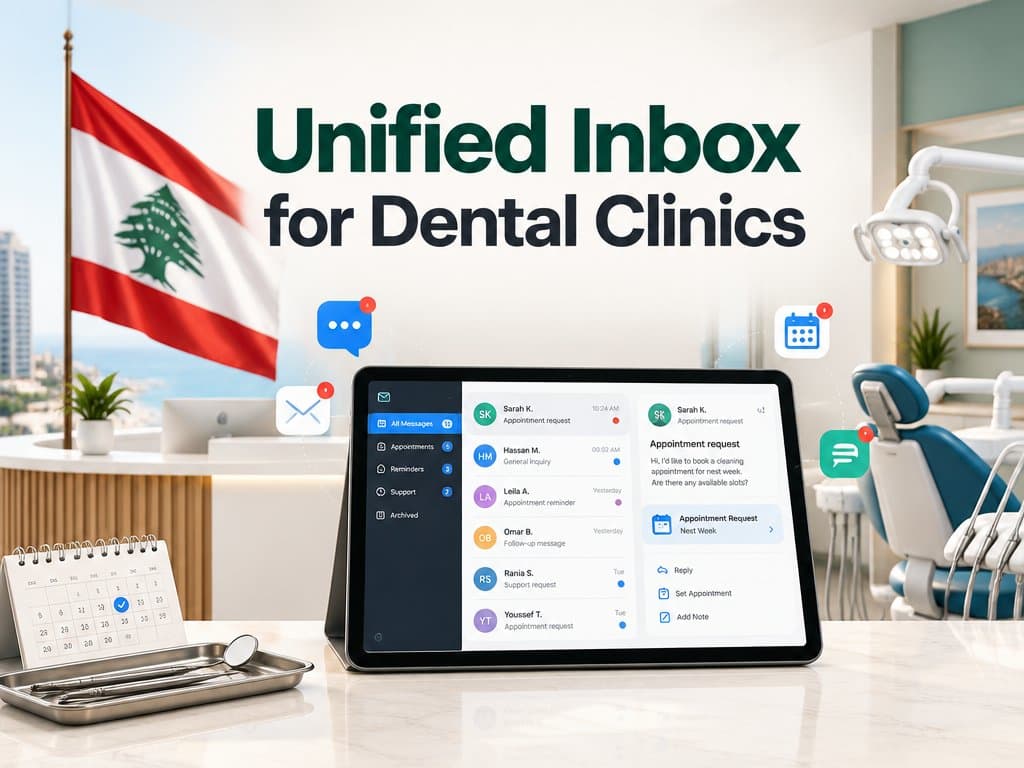
Building a Unified Inbox for Dental Clinics: Facebook, Instagram, and WhatsApp in One Patient Record
A patient DMs your Instagram, WhatsApps a question weeks later, then calls to book, three touchpoints your front desk sees as three strangers. Here's how a real unified inbox merges WhatsApp, Instagram, and Facebook into one patient record, built on official APIs instead of fragile integration.
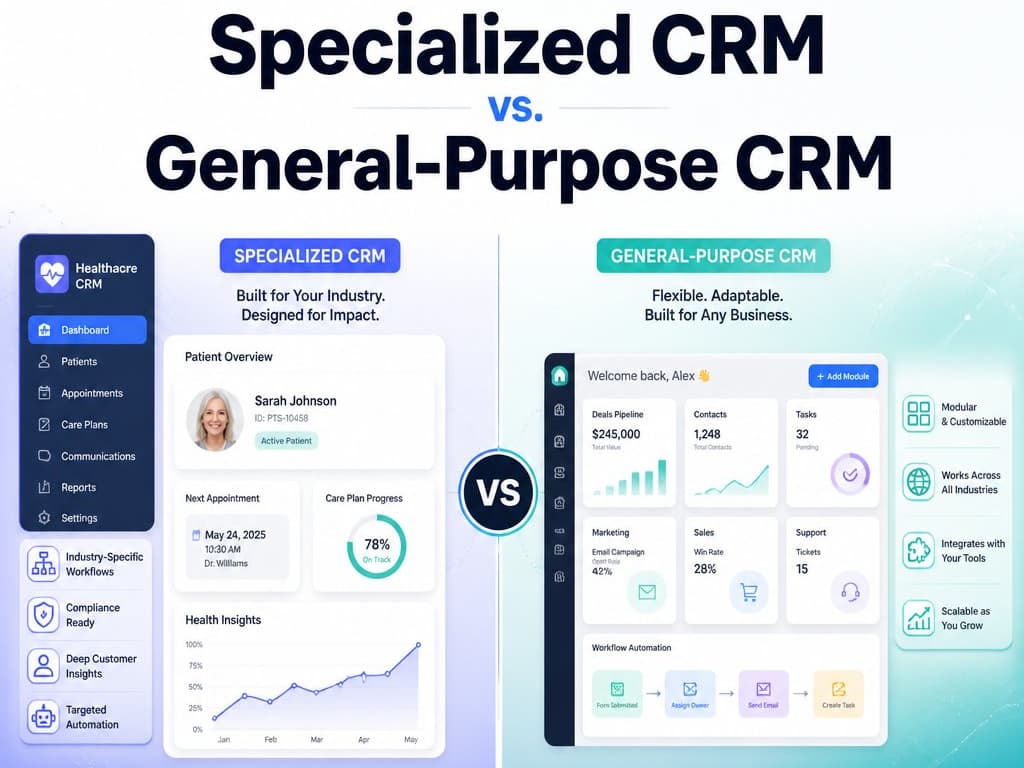
Specialized CRM vs. General-Purpose CRM: What Actually Fits a Gulf SMB
Not every business runs on a sales pipeline. A breakdown, from a decade building both general-purpose and specialized multitenant CRMs for Gulf SMB verticals, of when Zoho/HubSpot fits and when your workflow has quietly outgrown it.
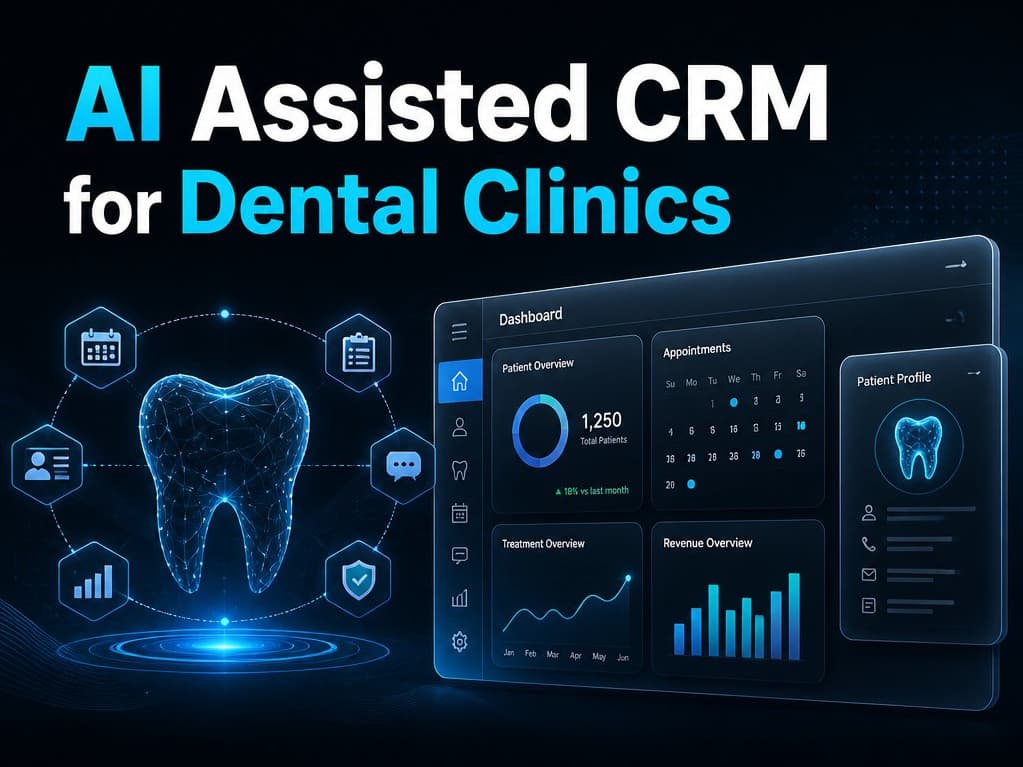
AI Assisted CRM for Dental Clinics in Qatar in 2026: A Practical Guide
Patients researching dental care increasingly ask an AI assistant first, and being visible there depends on having clear, structured, accurate information about your clinic publicly available services.