

Custom CRM vs Salesforce and HubSpot: An Honest Comparison
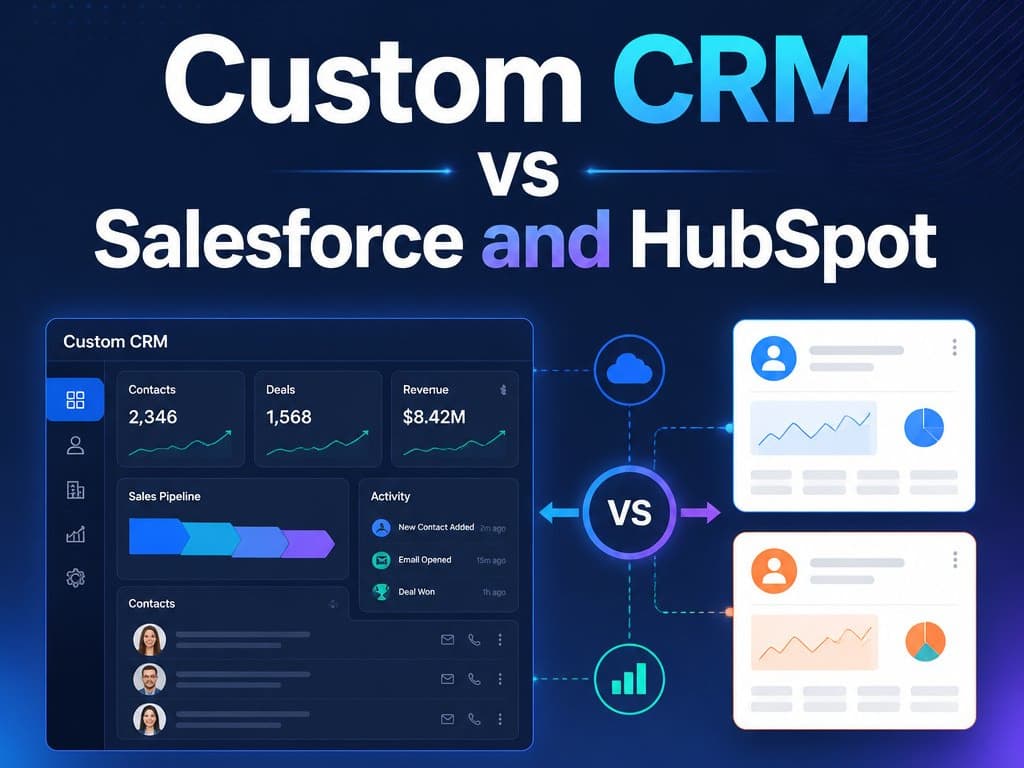
Off-the-shelf CRMs are genuinely good. So why do I keep getting hired to replace them? It comes down to seats, workarounds, and one question about fit.
Salesforce and HubSpot are genuinely good products, and I want to say that upfront because this isn't a takedown. HubSpot's free tier is where I send most small teams who ask me about CRMs — and I say that as someone who does custom CRM development for a living. If you're three people with a simple sales process, go use it. You don't need me, and anyone who tells you otherwise is selling something.
But I keep getting hired to replace these systems, by businesses that adopted them in good faith and used them for years, and it's almost always for the same two reasons: per-seat pricing that grows faster than the value, and daily workarounds that quietly kill adoption.
So here's the comparison I walk paying clients through — a custom CRM vs Salesforce and HubSpot, honestly, including the cases where staying on the subscription is the right call.
Tip
TL;DR — Buy off-the-shelf while your process is standard and your team is small; the free and starter tiers are genuinely good. Build a custom CRM when one of two bills gets too big: the per-seat subscription itself, or the daily cost of the workarounds, measured in your team's time and the leads that slip through the gaps.
When Salesforce or HubSpot Is the Right Choice
If your sales process looks like most sales processes — a contact, a company, a deal moving through pipeline stages — the big platforms will serve you well, and the vendor's uptime team is included in the price.
Off-the-shelf is the right call when:
- You're a small team, roughly under ten seats, with a standard pipeline.
- Your process fits the contact → company → deal model without bending.
- You can't name a developer you'd trust to maintain custom software.
- You need a CRM running this week, not this quarter.
That last point matters more than people admit. Nothing custom ships in a week, and a decent CRM your team actually uses beats a perfect one that doesn't exist yet.
The Real Cost of Per-Seat CRM Pricing
The first reason I get hired is per-seat pricing, and the way it quietly changes character as you grow. At three users it feels painless, barely a line item. But a CRM only works when everyone who touches a customer is in it, so the seats multiply: sales, then reception, then the operations person who updates bookings, then the managers who want dashboards.
At fifteen or twenty seats across the mid-tier plans, you're into thousands of dollars a year, every year, forever. And here's the part that stings: most of those people use a fraction of what they're paying for. The receptionist needs today's bookings and a place to log calls. She's priced as if she needed revenue attribution and forecasting.
The bill grows with your headcount, not with the value you get from the product, and no discount call with the vendor changes that arithmetic — it only postpones it.
Off-the-Shelf CRM Limitations: The Workaround Tax
The second reason matters more, because it's the one that kills adoption. Every business I've ever worked with has one process that makes them money and doesn't fit the template. Generic CRMs are built, reasonably, around a generic idea: a contact, a company, a deal moving through pipeline stages.
But a clinic isn't running "deals." It's running patients through consultations, treatment plans, and follow-ups, across doctors and rooms with real schedules. You can bend the generic model into that shape, and every consultant will cheerfully do it for you, with custom fields, duplicated pipelines, and duct tape. It even demos well.
The staff feel the friction every single day, though — the extra clicks, the fields that don't quite mean what the label says, the workflow that exists because the tool demanded it rather than the business. And people are rational about friction: slowly, quietly, they retreat to WhatsApp, paper, and memory. Six months later the CRM is a graveyard of stale records, and a CRM nobody uses is just an expensive report generator.
I've written before about why I stopped recommending off-the-shelf CRMs to growing teams — and this workaround tax is almost always the trigger.
What Custom CRM Development Changes
A custom CRM flips the trade. You pay more upfront — meaningfully more than a year of subscriptions, and I won't pretend otherwise. In exchange, there are no per-seat fees, so the twentieth user costs the same as the third, which is nothing.
More importantly, the software matches how your team already works instead of the other way around: the screens show your process, your vocabulary, your rules. When I built a dental clinic CRM for a two-branch practice, the follow-up rate didn't improve because of some clever feature. It improved because reception stopped fighting the tool. Booking took seconds instead of a fight with someone else's data model, so things actually got logged — and things that get logged get followed up.
The Honest Trade-Off: You Own the Software
The counterweight: custom software makes you responsible for it. You need a developer you trust for changes and maintenance, and if you can't name that person, that's a real argument for staying on a subscription, where the vendor's uptime team is included in the price. This is a trade, not a free lunch.
Custom CRM vs Salesforce and HubSpot at a Glance
| Salesforce / HubSpot | Custom CRM | |
|---|---|---|
| Upfront cost | Low — sign up and go | High — a real build budget |
| Ongoing cost | Per seat, forever, grows with headcount | Hosting and maintenance, flat as you add users |
| Fit to your process | Generic model plus workarounds | Built around your actual workflow |
| Team adoption | Erodes as friction piles up | High when screens match the real process |
| Maintenance | The vendor's problem | Yours — you need a developer you trust |
| Best for | Small teams, standard pipelines | Growing teams whose process doesn't fit the template |
Build vs Buy CRM: How to Decide
My advice, the same I give paying clients: start off the shelf, always. Move to custom when one of two bills gets too big — the subscription itself, or the daily cost of the workarounds, measured in your team's time and the leads that slip through the gaps.
When the duct tape becomes the system, that's your sign. It's the same pattern behind the Zoho vs custom CRM conversations I keep having: the tool isn't bad, it's just finished fitting you.
FAQ: The Custom CRM Questions I Actually Get
Should I build my own CRM?
Not first. Start on HubSpot's free tier or a similar starter plan and let your real process reveal itself. Build when the subscription cost or the workaround cost — whichever grows first — clearly exceeds what a custom build would run over two to three years.
How much does a custom CRM cost?
More upfront than a year of subscriptions, meaningfully so. The comparison that matters is total cost over three years: seat price × users × 36 months, plus the hours your team loses to workarounds, versus a one-time build plus modest hosting and maintenance.
Can I start with HubSpot and switch to a custom CRM later?
Yes — that's the path I recommend to most teams. Your core CRM data (contacts, companies, deals, notes) exports cleanly, and a custom build can import it on day one. Nothing about starting off-the-shelf locks you out of building later.
Wrapping Up
Salesforce and HubSpot are good products with a pricing model and a data model built for standard teams. A custom CRM is a bigger cheque upfront in exchange for software shaped like your business and a cost curve that stays flat as you grow. Buy while the template fits; build when the duct tape becomes the system.
If the duct tape sounds familiar, see what a custom build did for a two-branch dental clinic, then tell me about your process.
Related Articles
Building a Unified Inbox for Dental Clinics: Facebook, Instagram, and WhatsApp in One Patient Record
A patient DMs your Instagram, WhatsApps a question weeks later, then calls to book, three touchpoints your front desk sees as three strangers. Here's how a real unified inbox merges WhatsApp, Instagram, and Facebook into one patient record, built on official APIs instead of fragile integration.
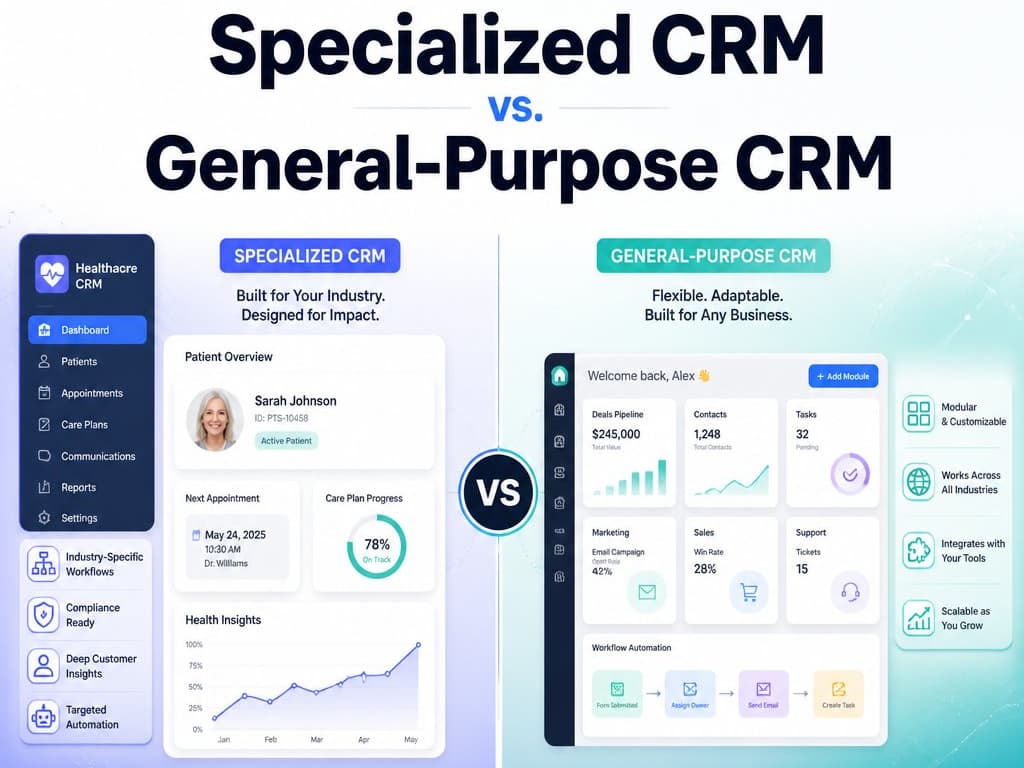
Specialized CRM vs. General-Purpose CRM: What Actually Fits a Gulf SMB
Not every business runs on a sales pipeline. A breakdown, from a decade building both general-purpose and specialized multitenant CRMs for Gulf SMB verticals, of when Zoho/HubSpot fits and when your workflow has quietly outgrown it.
AI Assisted CRM for Dental Clinics in Qatar in 2026: A Practical Guide
Patients researching dental care increasingly ask an AI assistant first, and being visible there depends on having clear, structured, accurate information about your clinic publicly available services.