

Specialized CRM vs. General-Purpose CRM: What Actually Fits a Gulf SMB
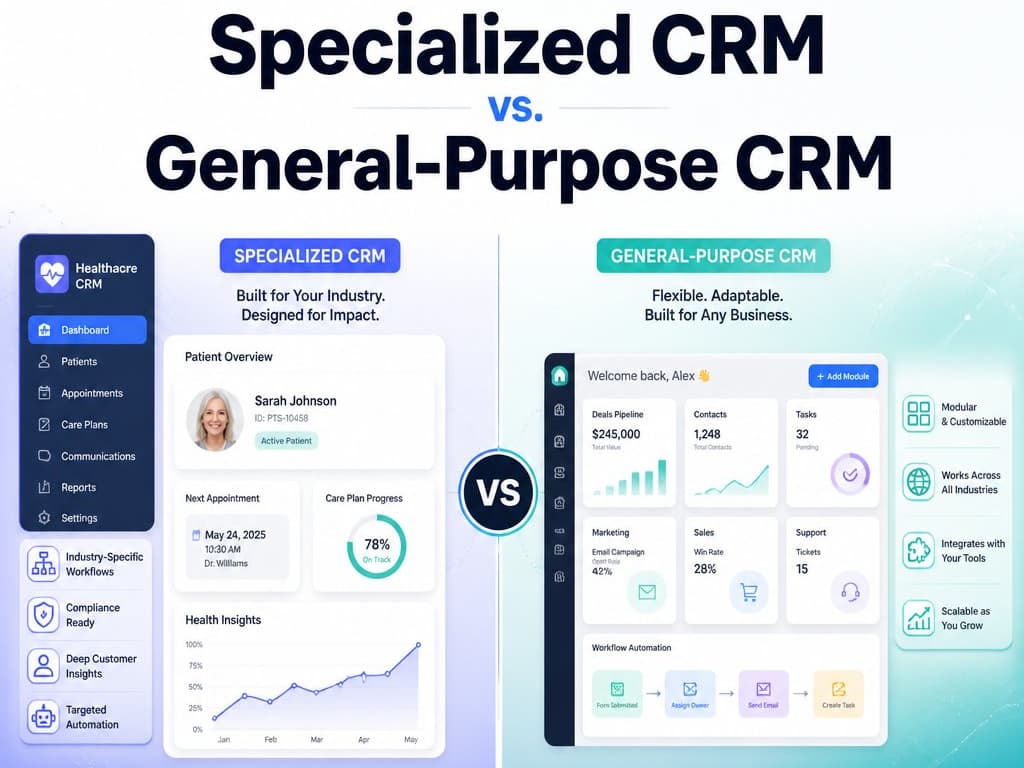
Not every business runs on a sales pipeline. A breakdown, from a decade building both general-purpose and specialized multitenant CRMs for Gulf SMB verticals, of when Zoho/HubSpot fits and when your workflow has quietly outgrown it.
Specialized CRM vs. General-Purpose CRM: What Actually Fits a Gulf SMB
"Just use Zoho" or "just use HubSpot" is the default advice handed to almost every small business shopping for a CRM, and for a meaningful share of them it's correct — a general-purpose CRM is cheaper to start, has a huge support ecosystem, and covers the basics well. The advice stops being correct the moment a business's workflow doesn't map onto "leads, deals, contacts," and nobody tells them that until they've already spent six months bending their process to fit software that was never built for it.
I'm Khalid Arafa, and I've spent over a decade on both sides of this decision — first working with Salesboom CRM and Connect Middle-East on general-purpose CRM implementations, then building specialized, multitenant CRM backends for Gulf SMB verticals: dental clinics, real estate compound management, contracting, and wedding planning. The pattern that shows up consistently: the businesses that outgrow a general-purpose CRM don't outgrow it because it's "bad" — they outgrow it because their core workflow was never a sales pipeline to begin with.
Tip
TL;DR — General-purpose CRMs win on cost, setup speed, and integrations when your business genuinely runs on a standard sales pipeline. Specialized CRMs win when your core entity isn't a "deal" — it's a patient recall schedule, a compound unit with recurring maintenance fees, or a multi-vendor wedding timeline — and you're currently paying a general-purpose tool to awkwardly simulate something it was never designed to model.
The real difference isn't features — it's what the software assumes your business is
Every CRM, general-purpose or specialized, is built around a core mental model of "what a customer relationship looks like." A general-purpose CRM assumes: a lead comes in, moves through pipeline stages, becomes a deal, closes. That model is genuinely excellent for B2B sales, agencies, and most services businesses.
The problem shows up when your business's actual unit of work doesn't fit that shape. A dental clinic's core object isn't a "deal" — it's a patient with a treatment history and a recall cadence that needs to trigger automatically months later. A real estate compound manager's core object isn't a pipeline stage — it's a unit with an owner, a maintenance contract, and recurring fee cycles that have nothing to do with sales at all. Forcing either of those into a generic "stages and deals" model works, technically — right up until you need a report, an automation, or a field that the generic model has no concept of, and you're either paying for expensive customization or maintaining a spreadsheet next to the CRM to cover what it can't.
| General-purpose CRM | Specialized/vertical CRM | |
|---|---|---|
| Setup cost & time | Low — live in days | Higher upfront, or built-to-order |
| Fit for standard sales pipelines | Excellent | Often overkill |
| Fit for non-pipeline workflows (recall schedules, recurring maintenance, multi-party timelines) | Requires custom fields/automations that fight the core model | Native — the data model matches the actual workflow |
| Reporting on industry-specific metrics | Requires workarounds or third-party add-ons | Built in, because the schema was designed around them |
| Ongoing licensing cost at scale | Per-seat pricing that grows with team size | Often flatter, since it's scoped to the actual workflow, not general sales tooling |
| Ecosystem & integrations | Very large — most tools plug in natively | Narrower, but usually covers what the vertical actually needs |
| Long-term flexibility for unrelated future use cases | High — it's genuinely general-purpose | Lower — it's built to do one thing precisely |
Neither column is "the right answer." The right answer is whichever one matches what your business's core object actually is.
Where I've seen this play out directly
In the compound management case study I published, the client had been running a general-purpose CRM to track unit owners, maintenance requests, and recurring fees — and every one of those was being simulated with custom fields and manual reminders bolted onto a pipeline model that was never meant to hold them. Moving to a purpose-built multitenant schema — units, owners, and maintenance cycles as first-class objects instead of "deals" wearing a disguise — didn't just save licensing cost. It made automation possible that simply wasn't expressible in the general-purpose tool's data model at all.
The dental clinic case study followed the same shape from a different angle: patient recall automation, treatment history, and appointment-linked billing are workflows a general sales CRM can approximate but not natively model. Once the CRM's core object was "patient," not "lead," reporting and automation that used to require manual spreadsheet work became a query.
This is also the same conclusion I came to writing the Zoho vs. custom stack cost breakdown — the cost comparison isn't just license price versus build cost. It's the ongoing cost of the workarounds a general-purpose tool forces once your workflow diverges from "sales pipeline," which compounds quietly over years in a way a one-time cost comparison easily misses.
The signals that you've outgrown general-purpose
A business doesn't wake up one day needing a specialized CRM — the signs accumulate gradually, usually as one of these:
- Your team maintains a spreadsheet "next to" the CRM for the data the CRM's schema has no real place for — recall dates, recurring fee schedules, multi-party timelines. If the spreadsheet is doing more real work than the CRM, the CRM has stopped being the source of truth.
- Every new automation request turns into a custom-fields-and-workflow-builder project that takes longer each time, because you're stretching a generic model further from what it was designed for.
- Reporting on the metric that actually matters to your business (patient recall rate, maintenance SLA compliance, unit occupancy) requires exporting data and processing it outside the CRM, because the tool's built-in reports are scoped to pipeline metrics that don't apply.
- Per-seat licensing is scaling faster than your team's actual need for sales-pipeline features, because you're paying for a full sales platform to run what is, underneath, an operations and scheduling problem.
Any one of these in isolation is a workaround worth tolerating. Two or three of them together, recurring monthly, is usually the actual cost of staying on general-purpose software past the point where it fits.
A simple decision model
Stick with a general-purpose CRM if:
  - Your core workflow genuinely is "lead → pipeline → deal → close"
  - Team size and sales complexity justify the ecosystem and
    integrations a platform like Zoho or HubSpot brings
  - Customization needs are occasional, not constant

Move toward a specialized/vertical CRM if:
  - Your core object isn't a deal (it's a patient, a unit, a contract,
    a recurring service cycle)
  - You're maintaining a shadow spreadsheet to cover what the
    CRM's schema can't represent
  - Reporting on your actual key metric requires manual export
    every time, not a built-in view
Wrapping up
The general-purpose vs. specialized CRM question isn't about which software is better — it's about whether your business's core relationship with its customers is actually a sales pipeline, or something else wearing a sales pipeline's clothes because that's the tool that was available. Every multitenant CRM I've built for Gulf SMB verticals — dental clinics, compound management, contracting — started from exactly that mismatch, and the fix was never "add more custom fields." It was rebuilding the data model around what the business actually does.
If you're weighing this trade-off for your own business, the cost side of that decision is covered in more depth in the Zoho vs. custom stack cost comparison, and the infrastructure a specialized, multitenant CRM typically runs on is the same self-hosted stack I wrote up in building my own Firebase alternative.
Related Posts
Related Articles
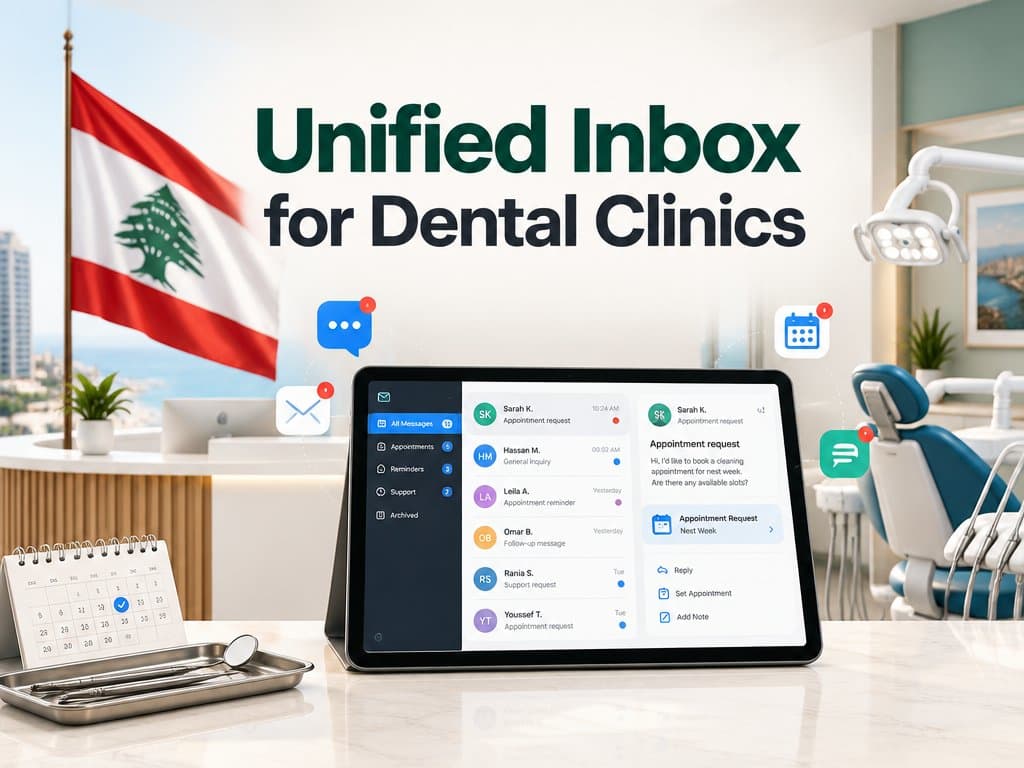
Building a Unified Inbox for Dental Clinics: Facebook, Instagram, and WhatsApp in One Patient Record
A patient DMs your Instagram, WhatsApps a question weeks later, then calls to book, three touchpoints your front desk sees as three strangers. Here's how a real unified inbox merges WhatsApp, Instagram, and Facebook into one patient record, built on official APIs instead of fragile integration.
AI Assisted CRM for Dental Clinics in Qatar in 2026: A Practical Guide
Patients researching dental care increasingly ask an AI assistant first, and being visible there depends on having clear, structured, accurate information about your clinic publicly available services.
CRM for Dental Clinics in Qatar: Why Your Practice Software Isn't the Problem
Most Qatar dental clinics don't need new software — they need a CRM layer on top of it. Packaged tools handle scheduling fine until PDPPL data rules, multi-provider insurance billing, and multi-branch patients break them. Here's when to buy vs build.